
Donefy Pro
Your trade.Your business.
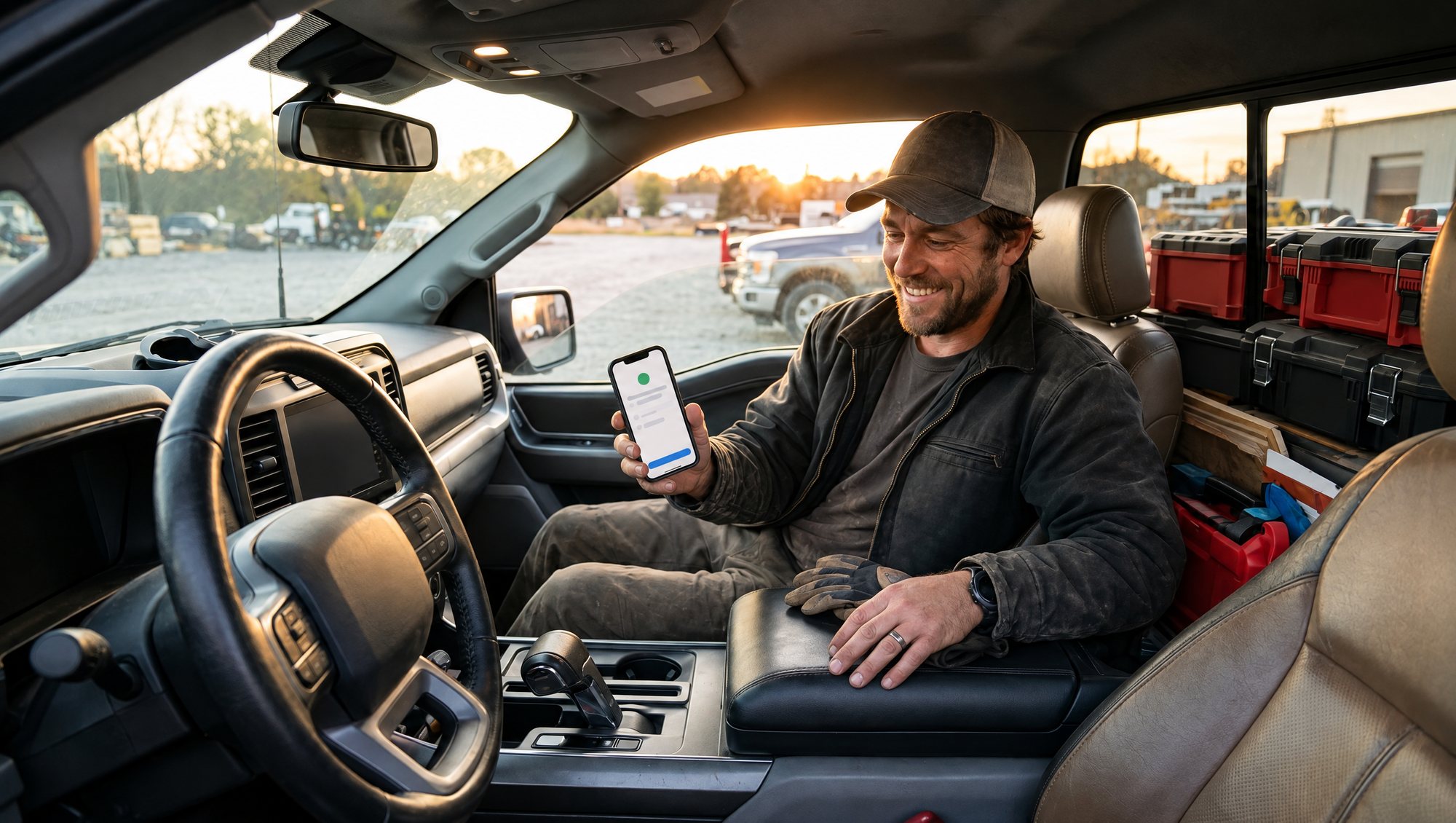
Quote requests from local customers, milestone quotes signed in the app, and payouts to your bank as each milestone is approved.
We handle the rest
Great at the work. Buried in everything around it.
Donefy runs the business. You run the job.
- Quote requests from local customers land in your app.
- Scope, schedule and milestones are signed before you start.
- The customer's payment is secured before you lift a tool.
How a job works
Request. Quote. Work. Paid.



Donefy Payment Protection
Funded before you start. Paid as you finish.
The customer funds the agreed scope at signing. As each milestone is approved, or automatically if the customer does not respond and there is no dispute, the payout goes to your bank. No more chasing checks.
One 5% platform fee. Charged only when you win a job and get paid, and the same when a client hires you again through My Pros.
Vetted once. Trusted on every job.
Earn the badge. Start quoting.
Sign up on the web, then finish in the app: your phone scans your government ID and runs a live face check. Customers see the badge on every quote you send.
- Government ID and live face check
- Background screening
- Insurance verified
- Trade license where required
- Work history and permit records
- Client references
Sign Up Now for Donefy Pro
We make it easy to start and grow your business with us. Start your sign-up below, then continue your sign-up in the Donefy Pro app—including your government ID verification, live face scan, and biometrics.
- 1. Account & Trade
- 2. Verify Email
- 3. Continue in App
Fully automated
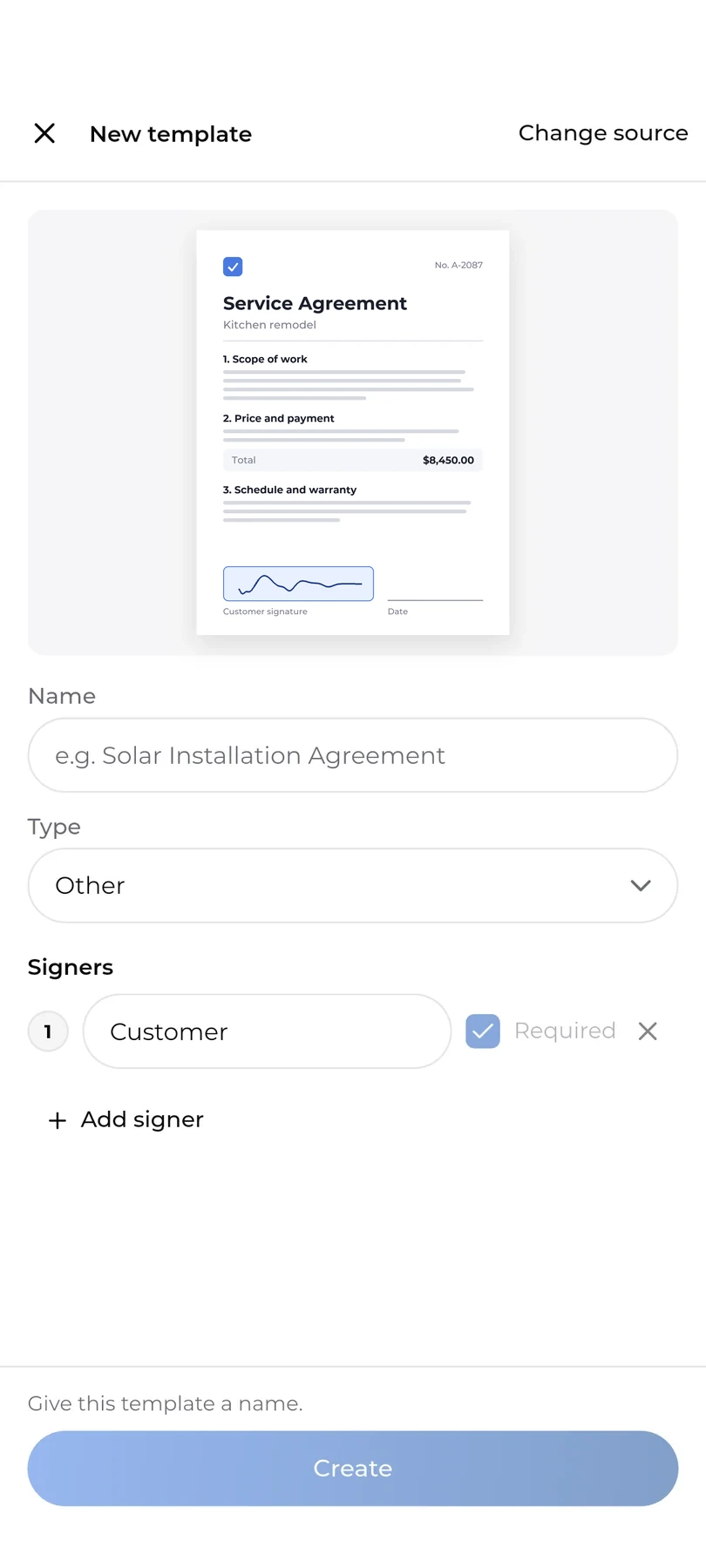
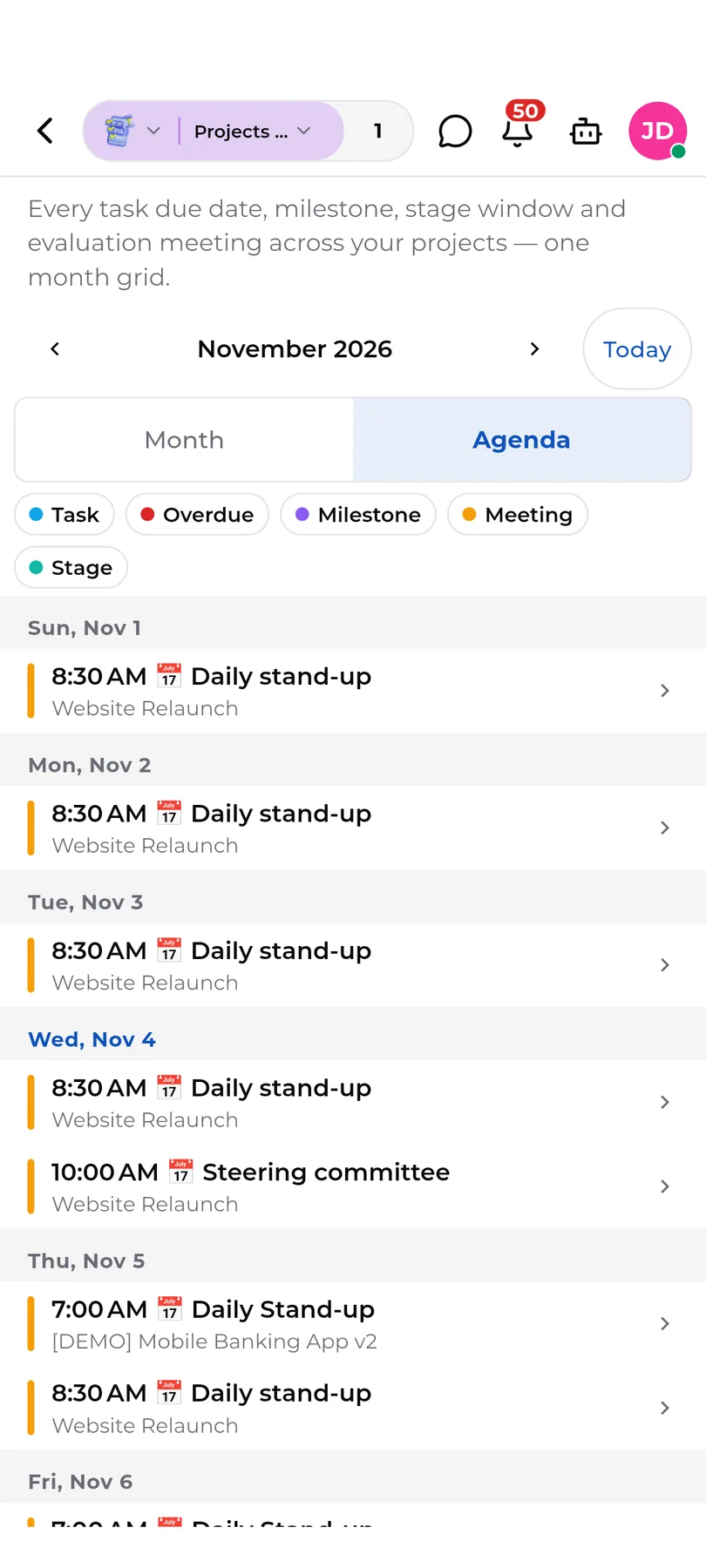
Lead to paid. On its own.
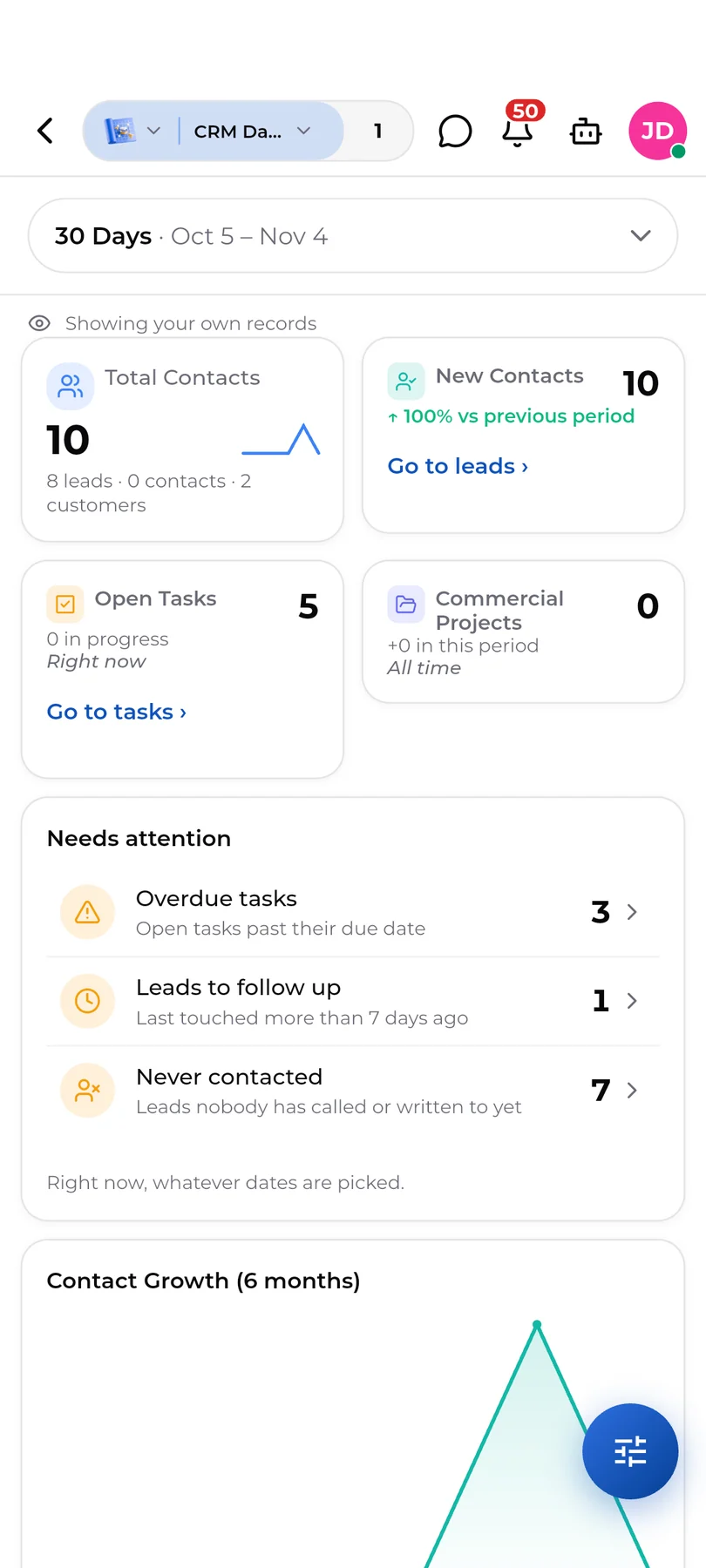
Cabinets and countertops $4,200.00
Flooring $2,650.00
Labor $1,600.00
Total $8,450.00
Cabinets and countertops $4,200.00
Flooring $2,650.00
Labor $1,600.00
Total due $8,450.00
INV-1042 Card payment
Start solo. Scale to fifty trucks.
Donefy. Done for you.
Win jobs with Donefy Pro today. When you hire a crew, the Business Operating System runs the whole company.
Questions and answers
Common questions about Donefy Pro
How does a job work from start to finish on Donefy Pro?+
Four clear steps: (1) receive a direct quote request from a customer or browse open local projects, (2) send your quote with price, timeline, and milestones and e-sign the agreement once hired, (3) perform the job and upload milestone completion photos, and (4) get paid to your connected bank account as milestones are approved.
How does Donefy Payment Protection prevent chasing checks?+
Before work starts, the customer funds the job via Pay-by-Bank ACH, card, Apple Pay / Google Pay / Link, or Cash App Pay under Donefy Payment Protection. When you submit milestone completion photos, the customer approves to release your payout, or it releases automatically if they do not respond and there is no dispute.
How do fees and repeat-client payouts work on Donefy Pro?+
Donefy charges a 5% platform fee only when you win a job and get paid, so you keep 95% of every job. The fee is the same when a client hires you again through 'My Pros'.
Why does Donefy Pro ask me to download the mobile app during sign-up?+
Sign-up and identity validation are one unified onboarding flow. Your phone camera is required to scan your government ID and complete a live biometric face check before quoting—and everything in the app is mirrored on web.
Donefy Services
Need a pro instead?
Get quotes from vetted local pros, with your payment protected until you approve the work.