Pick the agreement
Choose a template from the proposal and it fills in with that proposal's pricing.

Agreements
Send the agreement by link, or hand over your own device. Every signed copy carries a signature certificate.
Signed before you leave
The problem
Printing, scanning, chasing an email attachment. The job is sold at the kitchen table and lost in the week it takes to get the paper back.


Built in
Every agreement in one list, with its status and its signers: draft, pending, viewed or signed.
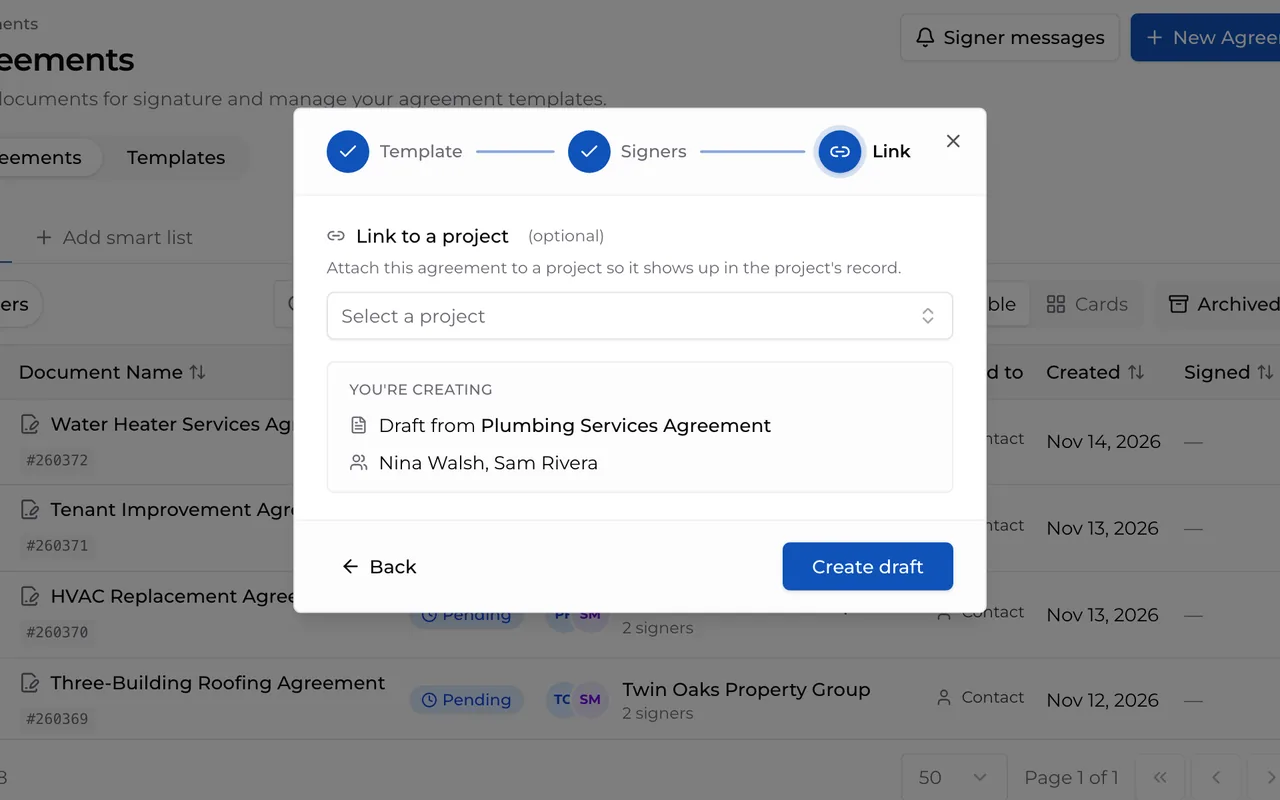
New Agreement opens your templates; pick the Plumbing Services Agreement.
Name the signers: the customer from your contacts, then your own representative.
Link it to a project if you want, check what you are creating, and the draft is ready to send.
The real product

How it works
Choose a template from the proposal and it fills in with that proposal's pricing.
Each signer agrees to sign electronically, then signs on any screen. Reminders go out on their own.
The certificate records who signed, when they opened it and when they signed.
AI inside
AI drafts. You decide what goes out.
Describe the agreement you need and AI creates the template.
An assistant in the editor drafts the clauses you ask for.
Select a passage and make it more formal, shorter, or translate it.

Donefy. Done for you.
More of the Business Operating System