Build your agent
Start from a template such as receptionist, lead qualifier or appointment booker, and give it your knowledge base.

AI agents
AI agents answer the phone, call new leads back within seconds, reply by text and book the appointment, at any hour.
While you are on the job
The problem
By the time you call back, they have booked someone else. Nobody can run a crew and answer every call, text and form within a minute.


Around the clock
Name the business, say what you do, and pick whether it answers calls, makes them, or both.
Choose its role: here, a phone scheduling agent that books, moves and confirms appointments.
Pick how it sounds, set the energy, and write the line callers hear when it picks up.
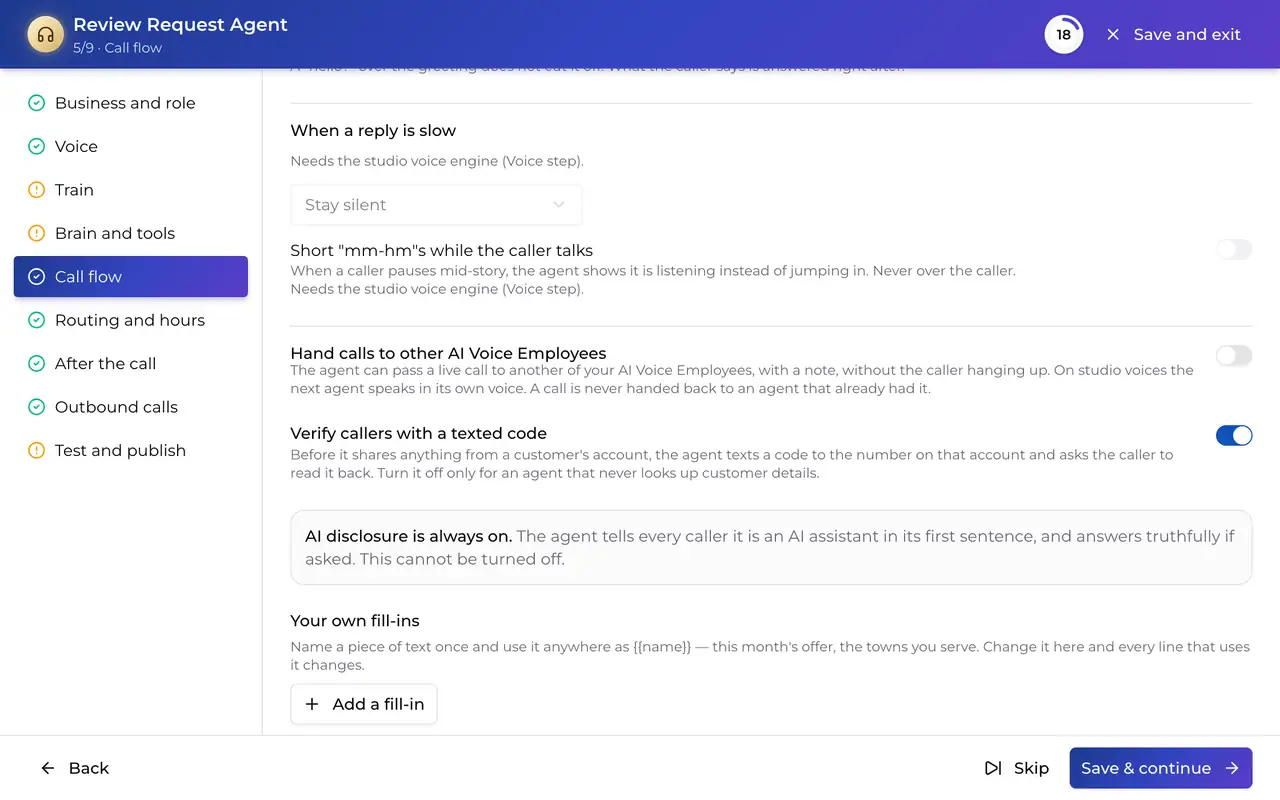
Decide how it handles the call, from verifying callers to telling every caller it is an AI.
The real product

How it works
Start from a template such as receptionist, lead qualifier or appointment booker, and give it your knowledge base.
Choose the calling hours, how fast it calls a new lead, and which actions need your approval.
Review the calls, their outcomes and the usage from one dashboard.
AI inside
The agents are AI. So is the work of building and checking them.
Type a sentence or your website and the agent is set up from your company's information.
After an AI call, a summary lands on the contact's timeline, with the outcome and how the caller felt.
Run test conversations against an agent before it takes a real call.

Donefy. Done for you.
More of the Business Operating System